



Why Use a CRM System? 7 Reasons Businesses Can't Afford to Skip One in 2026

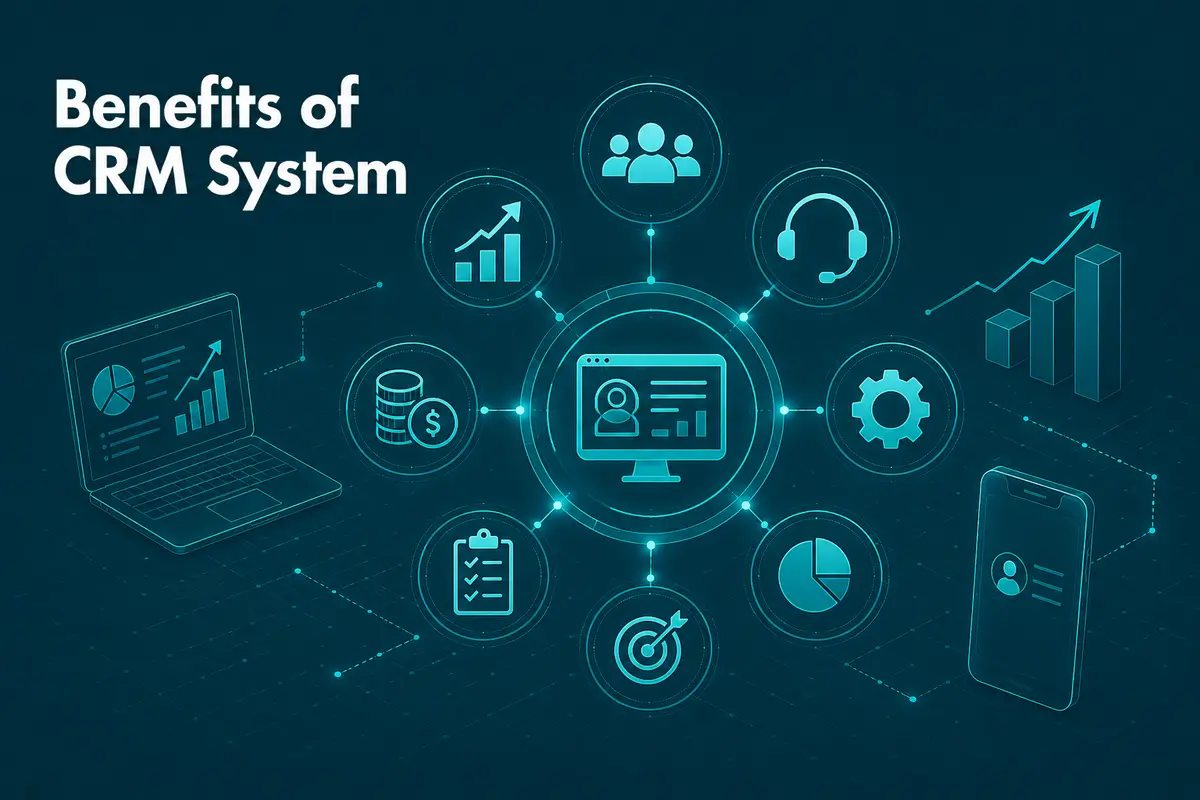
Ten years ago, a customer relationship management system meant a shared spreadsheet and a salesperson's memory for most small teams. That approach quietly broke down once a business grew past a handful of regular clients. Communication habits shifted again after 2020, and they never fully reverted to how they were before. Teams now expect to reach colleagues and customers across email, chat, video calls, and social channels, often within the same hour. A CRM system exists to keep that sprawl of conversations organised instead of scattered across ten different inboxes. Here's what a CRM system actually does, what changed by 2026, and why skipping one is a genuinely expensive decision.
What Is a CRM System?
A CRM system, short for customer relationship management system, is software that records and organises every interaction a business has with its customers and prospects. That includes emails, calls, contact-form submissions, social messages, and meeting notes, all attached to a single customer record instead of buried in someone's personal inbox. Salesforce, HubSpot, and Microsoft Dynamics are among the best-known crm system examples, though plenty of businesses build something more tailored to how they actually sell.
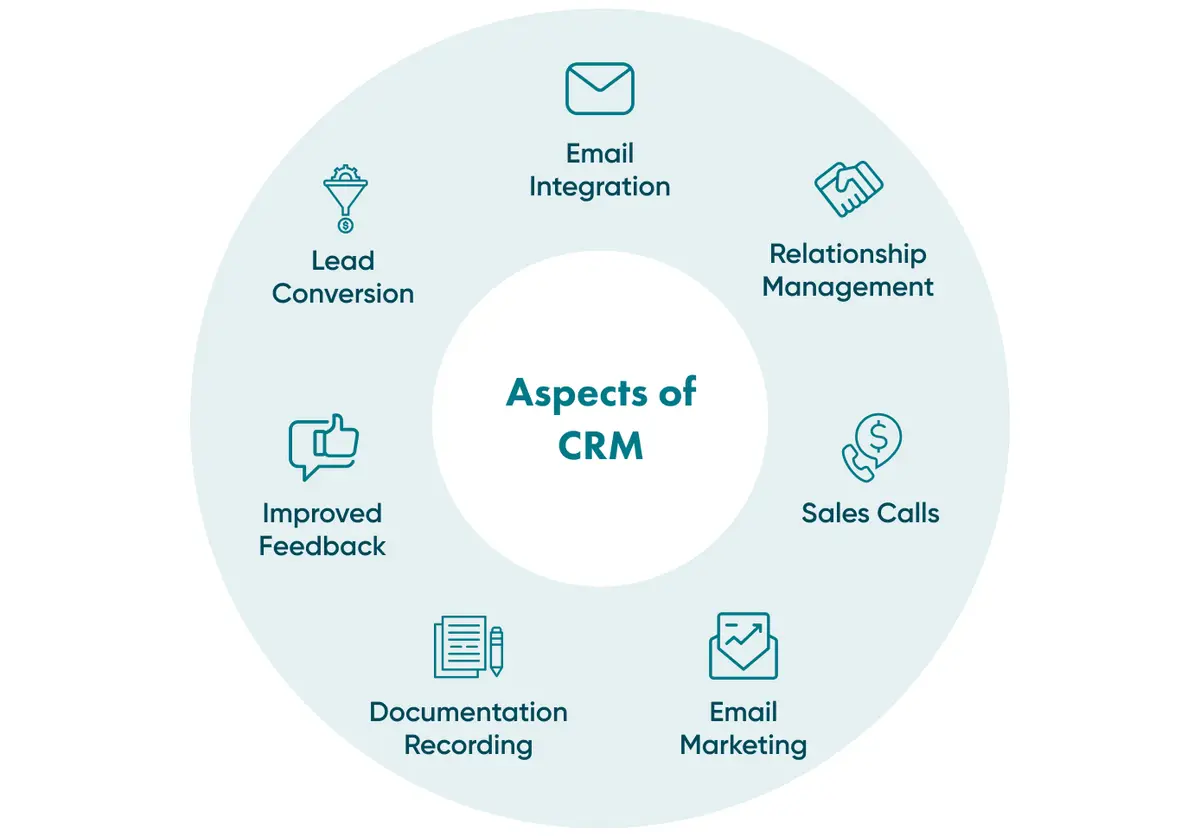
Modern CRM software goes further than storage. It gives sales and marketing teams tools to manage a full funnel, from the first lead through to a closed deal and the renewal conversation that follows. Routine tasks, such as sending a scheduled follow-up email, get automated. Managers get a live view of pipeline health without chasing anyone for a status update.
What's Trending in CRM in 2026?
CRM software doesn't stand still, and 2026 has brought a fresh set of shifts worth tracking.
AI Moves From Add-On to Default
AI inside a CRM system is no longer a premium add-on bolted onto an existing product. According to Salesforce's 2026 State of Sales Report, 87% of sales organisations now use some form of AI for prospecting, forecasting, lead scoring, or drafting emails. Most companies aren't asking whether to add AI to their CRM anymore. They're asking how fast they can roll it out safely, and whether their data is clean enough to trust the output.
Low-Code Customisation Replaces the IT Queue
Sales operations teams used to wait weeks for a developer to adjust a CRM workflow. That wait has mostly disappeared. Low-code and no-code tools shorten it to hours in many organisations, and a sales manager can now rebuild a pipeline stage without opening a single ticket.
CRM Meets Social and Real-Time Engagement
Social media feeds are wired directly into CRM systems now, giving teams a live view of mentions, comments, and sentiment. Reacting to a complaint within minutes, rather than days, has become a genuine differentiator.
Fewer Tools, More Integration
Running three separate platforms for sales, support, and marketing analytics is losing ground to CRM systems that fold all three into one interface through business process automation. Fewer logins mean fewer places for a lead to fall through the cracks. It's a small change with an outsized effect on how much actually gets tracked.
CRM Extends to Connected Devices
IoT devices, from smart equipment sensors to connected vehicles, feed usage data straight into CRM records, and a field service engineer can check a machine's maintenance history before they even pick up the phone.
Business Size No Longer Decides Who Needs CRM
It's a persistent myth that CRM software is only for large enterprises. What actually matters is the size of the sales funnel, not the size of the company: a freelancer juggling a dozen active clients needs a crm system for small business just as much as a 200-person sales team needs an enterprise one.
On-Site or Cloud-Based CRM?
Most CRM systems fall into two deployment models today, and the difference shapes cost, control, and how quickly a team can get moving.
On-site CRM | Cloud-based CRM | |
Who manages security and updates | The business's own IT team | The software vendor |
Upfront cost | Higher: hardware and licences | Lower: subscription-based |
Scalability | Manual capacity planning | Scales on demand |
Setup time | Weeks to months | Days to weeks |
Best fit | Strict data-residency rules | Most growing teams |
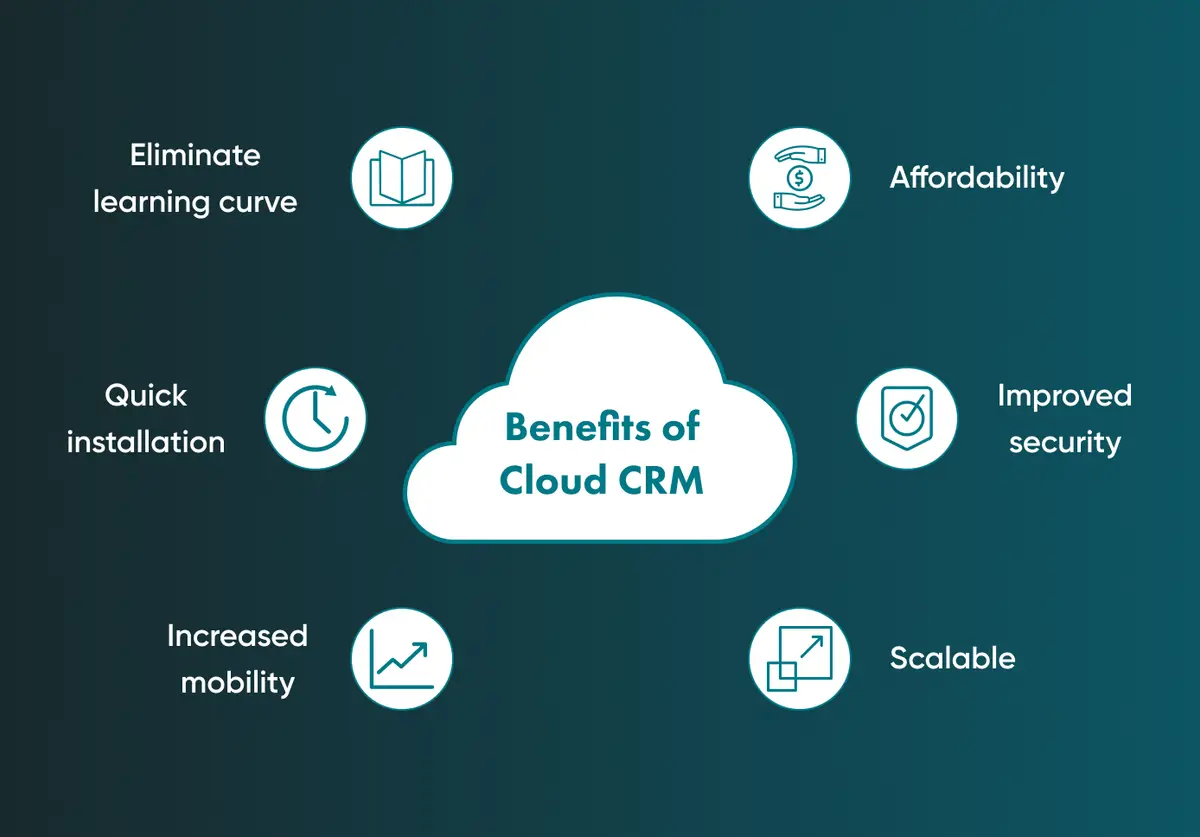
A cloud-based CRM system, often sold as software-as-a-service, has become the default choice for a simple reason: a growing company can add users and storage without buying new servers. On-site systems still make sense for organisations with specific regulatory constraints around where customer data physically sits.
There's no universally correct choice, only a choice that fits the business asking the question.
How AI Is Used Inside a Modern CRM
Artificial intelligence inside a CRM system tends to show up in three practical places.
Sharper Data Management
A CRM system pulls in data from email, social channels, and web forms, then filters and routes it to the right person automatically. That single step removes hours of manual sorting every week for a mid-sized sales team.
A Better Customer Experience
Customers notice when a company remembers their history without having to ask. AI-assisted CRM tools surface that context automatically, so a support agent opens a ticket already knowing what a customer bought last quarter and what they complained about before.
A Sharper Sales Strategy
Predictive scoring inside a CRM system, often built on the same machine learning techniques used elsewhere in the business, flags which leads are worth a call today and which ones need nurturing first. Grand View Research values the global CRM market at $73.40 billion in 2024, projected to reach $163.16 billion by 2030 at a compound annual growth rate of 14.6%, a pace driven in large part by exactly this kind of AI-assisted targeting.
Who Actually Needs a CRM System?
CRM software touches three functions in most organisations, though the exact split varies by business, and many of the same automation principles apply to a company's HR processes as well.
Sales Teams
The sales pipeline is the most obvious beneficiary. A CRM system tracks new leads, schedules calls, generates reports, and issues invoices, giving managers a live forecast instead of one built from memory at the end of the month.
Marketing Teams
Marketing campaigns run on the same customer data, pulled from website forms and email engagement. Qualified leads get handed to sales automatically, with no manual spreadsheet export in between.
Service Teams
After a sale closes, service teams use CRM records to track support requests and renewals. A help desk tied into the same system keeps a customer's full history in one place, which shortens almost every support call.
CRM System in Practice: What Go Wombat Has Built
Demco, a US manufacturer of agricultural equipment, semi-trailers, and RV towing products, sold its products through an extensive dealer network but had no digital system connecting dealers, the company, and end customers. Pricing a custom equipment configuration meant manually checking item-by-item costs, a process that ate up hours on both sides of every sale.
Go Wombat built a CRM platform on Python (Django) and React, deployed on AWS, that integrates directly with Demco's existing ERP system. Dealers can now price a full equipment configuration in under a minute and submit exchange or refund requests without a phone call. The project has been live and expanding since March 2020.
That's what a well-built CRM system actually buys a business: fewer manual steps and fewer chances for something to slip through.
7 Reasons to Use a CRM System
All of this technology serves one underlying purpose, and it answers the question of why use a crm system in the first place. Here are the seven reasons that matter most when deciding whether to commit to one.
1. One record holds every conversation. Every call, email, and meeting note lives on a single customer file instead of being scattered across someone's personal inbox. When a salesperson leaves the company, their knowledge doesn't leave with them.
2. Deals stop stalling for no reason. Automated follow-ups and pipeline tracking mean fewer leads sit untouched for a week while someone remembers to call back. The system nudges people. Memory alone rarely does.
3. Forecasts stop being a guess dressed up as a number. Sales reporting and forecasting built from real pipeline data replace guesswork, and a manager can see which deals are genuinely close to closing rather than trusting an optimistic verbal update.
4. Size stops being the deciding factor. CRM system value has little to do with company size and everything to do with the number of active relationships a team manages. That's precisely why demand for a crm system for small businesses has grown just as fast as enterprise adoption.
5. Revenue survives staff turnover. Client history, past objections, and pricing agreements stay with the business rather than walking out the door with a departing employee.
6. Nobody repeats themselves three times over. Sales, marketing, and support teams working from one shared record avoid the awkward moment of a customer explaining their problem to three different people in the same week.
7. Why would a well-funded competitor wait for a business to catch up? The CRM market's growth toward $163.16 billion by 2030 reflects a straightforward reality: competitors are already automating relationship management, and businesses without a CRM system are trying to compete with fewer tools and less data.
What Happens If You Don't Use a CRM System?
Skipping a CRM system doesn't just mean missing out on the benefits of CRM. It creates specific, measurable risks.
Leads Go Cold
Potential customers left unattended for even a few days often move to a competitor who responded faster. A CRM system schedules the follow-up automatically, so no lead depends on someone remembering to check a to-do list.
Time Disappears Into Manual Work
Tasks that a CRM system automates in seconds, such as logging a call or generating a report, otherwise consume hours every week across a sales team.
Nobody Has the Full Picture
Without a shared system, managers rely on staff to self-report progress, and important details fall through the gaps between conversations.
Planning Becomes Guesswork
Decisions made without real pipeline data are decisions made on gut feeling. That works occasionally. It doesn't work reliably, and it rarely scales past a handful of clients.
Marketing Spend Loses Its Justification
Without a CRM system tying campaigns to closed deals, it's difficult to calculate a genuine return on marketing spend, which makes budget conversations with finance considerably harder to win.
Key Takeaways
A CRM system has moved well past being a nice-to-have for large sales teams. It centralises customer data, automates the repetitive parts of a sales cycle, and, increasingly, uses AI to flag which leads deserve attention first.
The businesses skipping this step in 2026 aren't just missing a piece of software. They're competing against companies that already know their customers better than they do.
Go Wombat builds custom CRM systems, from the initial discovery phase through to ongoing support, for businesses that have outgrown a spreadsheet or a generic off-the-shelf tool. If your current setup feels like it's holding the sales team back, share your project brief, and we'll walk through what a tailored CRM system could look like for your business.
Frequently Asked Questions
What is a CRM system in simple terms?
A CRM system, or customer relationship management software, stores and organises every interaction a business has with its customers, from emails and calls to social messages, so nothing depends on one person's memory or personal inbox.
Do small businesses really need a CRM?
Size matters less than the number of active client relationships. A freelancer managing a dozen ongoing projects can benefit from the same tracking and automation that a large sales team relies on, often through a lighter, lower-cost plan built for small teams.
What's the difference between a CRM and an ERP system?
The two systems solve different problems: a CRM system manages customer-facing relationships and sales pipelines, while an ERP system manages internal operations such as inventory, finance, and supply chains. Many businesses run both together, integrated so that data flows between them.
Is a spreadsheet enough instead of a CRM system?
A spreadsheet can work for a handful of contacts, but it breaks down quickly once multiple people need to update the same records. There's no automatic follow-up, no shared history, and no easy way to spot which leads are going cold.
How much does building a custom CRM system cost?
Cost depends on scope: whether you're customising an existing platform like Salesforce or HubSpot, or building a system from scratch tailored to a specific workflow. A short discovery phase is the fastest way to get an accurate estimate before committing to a build.
How is AI used inside a modern CRM?
Predictive scoring, automated email drafts, and instant customer history lookups are the three most common AI features inside a modern CRM system. Salesforce's 2026 State of Sales Report found that 87% of sales organisations already use some form of AI in these workflows.
Ready to Replace Guesswork with a CRM System That Fits Your Business?
Building the wrong CRM system is expensive to unwind, and buying an off-the-shelf platform that ignores how your sales team actually works can be just as costly. Book a scoping workshop with Go Wombat's engineers, and we'll map out what your business genuinely needs before writing a line of code.
Share and subscribe to our blog
Related articles

Five Proven Strategies To Automate Business Processes
The world is moving faster and society expects results quicker. We read in micro pieces and look for answers sooner within a text. That is why more businesses are looking for proven strategies to automate business processes. Such processes…

How To Make A Food Delivery Website in 2022
More recently, remote food ordering and delivery have become a trend due to pandemic restrictions. Many people are either forced or seem to prefer to sit in the comfort of their homes and push a button to order food. Many businesses have n…

Six Reasons to Work with A Ukrainian IT Company
Top quality IT specialists Great quality to price ratio Highly Capable companies Excellent English Cultural understanding and flexibility Convenient and welcoming location. Nowadays Ukraine is one of the most popular countries in which to…

Why Generative AI Is the Next Step in CRM Automation
Generative AI is turning CRM systems into more than just a digital filing cabinet. Now, it’s an active partner one that predicts what customers will do next, creates personalised content on the fly, and takes care of repetitive tasks autom…

How can we help you ?